Content Preview
A preview plays the Content in your browser so you can watch it without sending it to a screen.
Open content preview
From Device Overview
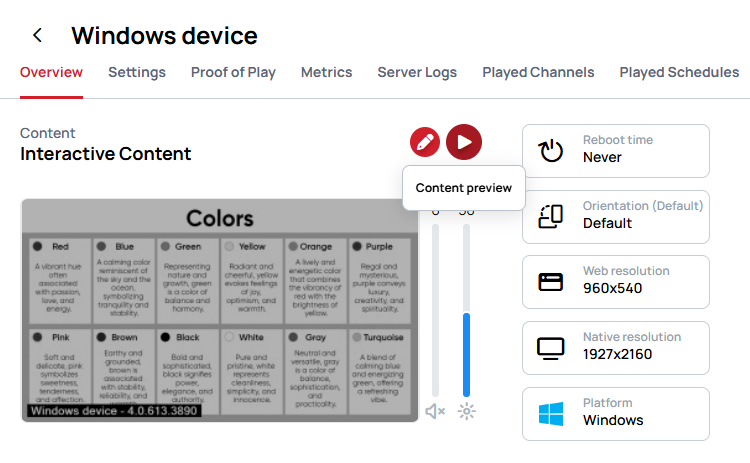
From Content Overview
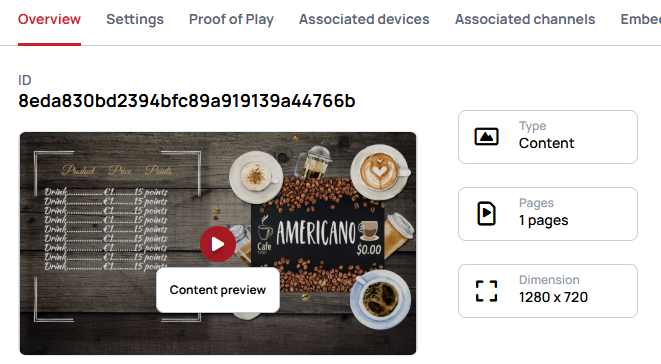
From Content
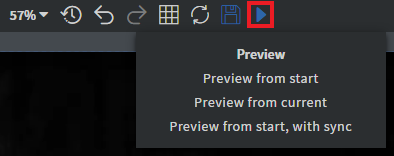
You can also open the preview of the content by opening the context menu of the content then select Preview in browser.
Preview modes
Preview from start
- Your content will be displayed starting from the first page (the default page) of your content.
Preview from current
- Your content will be displayed starting from the current page (the one that you have opened up in the editor).
Preview from start, with sync
- Your content will be displayed starting from the first page (the default page) of your content, with synchronization.
Advanced preview
- Advanced preview opens a dialog where you set how the preview behaves before it starts — synchronization, the autosaved version, stretching, data row, Datasource, time zone and the Screen to imitate.
Learn more: Advanced preview
What a preview does differently
The URL parameters, what happens to custom scripts, embedded iframes and why a preview often has no sound are the same for every preview and are covered once.
Learn more: Preview