Specific media files in channels
In this article we will talk about Media type channels.
Create Channel
Channel creation
- Navigate to the Channels menu
- Click on the button next to the Channels header.
Sub-channel creation
- Navigate to the Channels menu
- Select Sub-channel groups then make sure you have at least 1 sub-channel group available.
- Click on the button next to the Sub-Channels header.
- Select the Create Channel option.
What to play modal
Item selection rule
In what to play modal select Media then select Specific
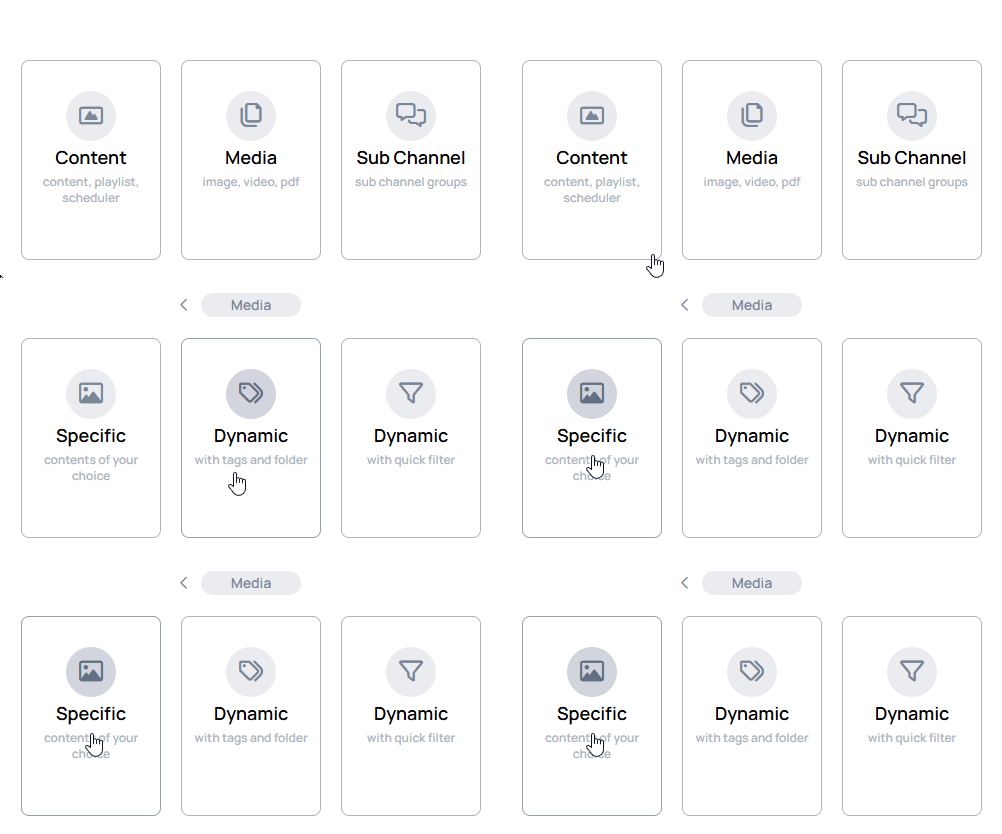
In creation modal you can revert the selected rule with the icon, but after save, the selected item rule will be permanent.
Media file selector
When you choose a rule, a modal will open where you can select items to play inside channel.
- It can contain the following media file types:
-
PDF
-
image
-
video
-
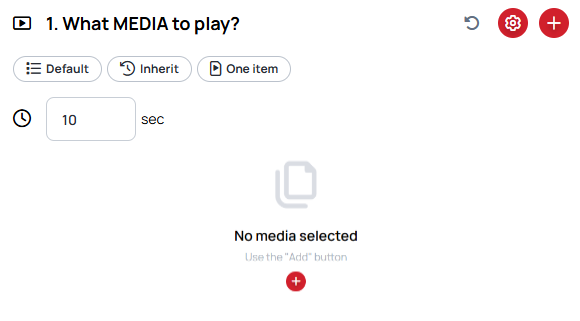
Default image and PDF duration
Defines the duration of the media files that have no native value.
- This value can be manually modified or manipulated via
Item durationin theHow to playmodal. - The default value is
10s
How to play settings
When you select items to play inside channel you can see the current settings on the top of the What to play modal.
- These settings can be modified in the
How to playsettings.

- Open the How to play settings with the icon on the right-top corner of the What to play modal.
General settings
In General settings you can modify the playback behaviour of channel items
Channel order
Channel order defines the position of channel items inside a playback slot.
- Higher number means lower position.
- The default value is
1.
Learn more: Channel order
Channel saturation
Channel saturation defines the possibility of channel items inside a playback slot.
- Channel with higher saturation will play proportionally more.
- The default value is
1.
Learn more: Channel saturation
Other settings
In Other settings you can modify other channel behaviours.
Ordering mode
Ordering mode defines how the channel items will play inside a playback slot.
- In
Alphabetical, the channel plays the media files alphabetically. - In
Random, the channel plays the media files in a randomized order.
Learn more: Ordering mode
Item duration
Duration is based on item length or default media duration.
Learn more: Item duration
In the playback slot
In the playback slot setting ensures a set number of consecutive items play from a channel before switching to the next.
Learn more: In playback slot